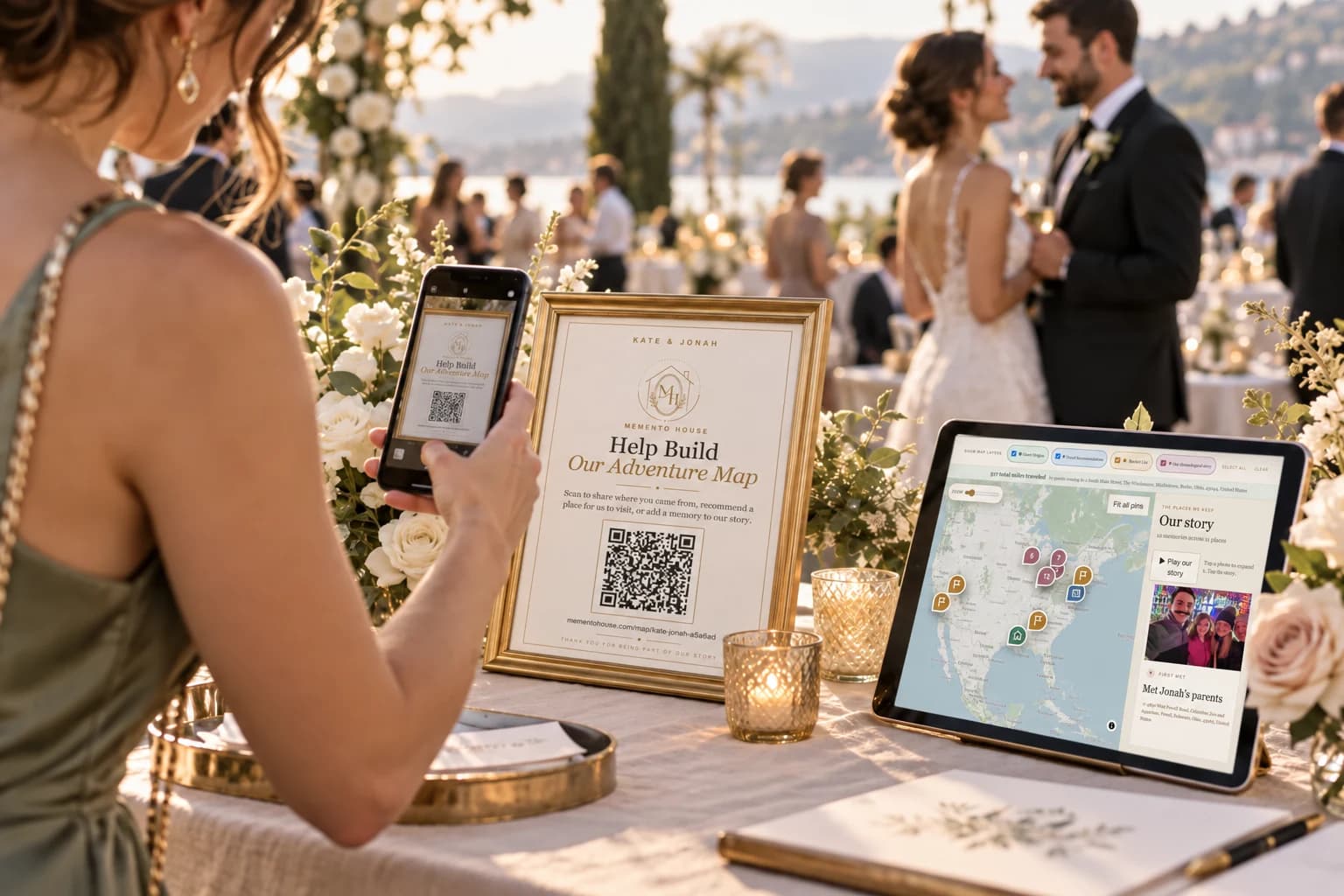
Why guests ignore QR codes
A QR square does not explain what guests gain by scanning. At a wedding, people are finding seats, catching up with family, and following the schedule. An unexplained code can look like a menu, a payment link, or another task they can postpone.
Treat the invitation as a small piece of hosting. Say what guests can leave, what the couple will receive, and about how simple the first action is. Do not make guests investigate the purpose while a line forms behind them.
Give them a reason to scan
Invite a contribution that feels personal: a place they love, a wish for the couple, or a memory from your friendship. “Help us choose our next adventure” gives guests a reason to join that “Scan Me” does not.
Match the promise to what the destination really offers. If you are collecting places first, ask for a place. If a recording or photo is optional, say so. Avoid promising a prize or reveal unless you have actually arranged one.
Explain exactly what happens next
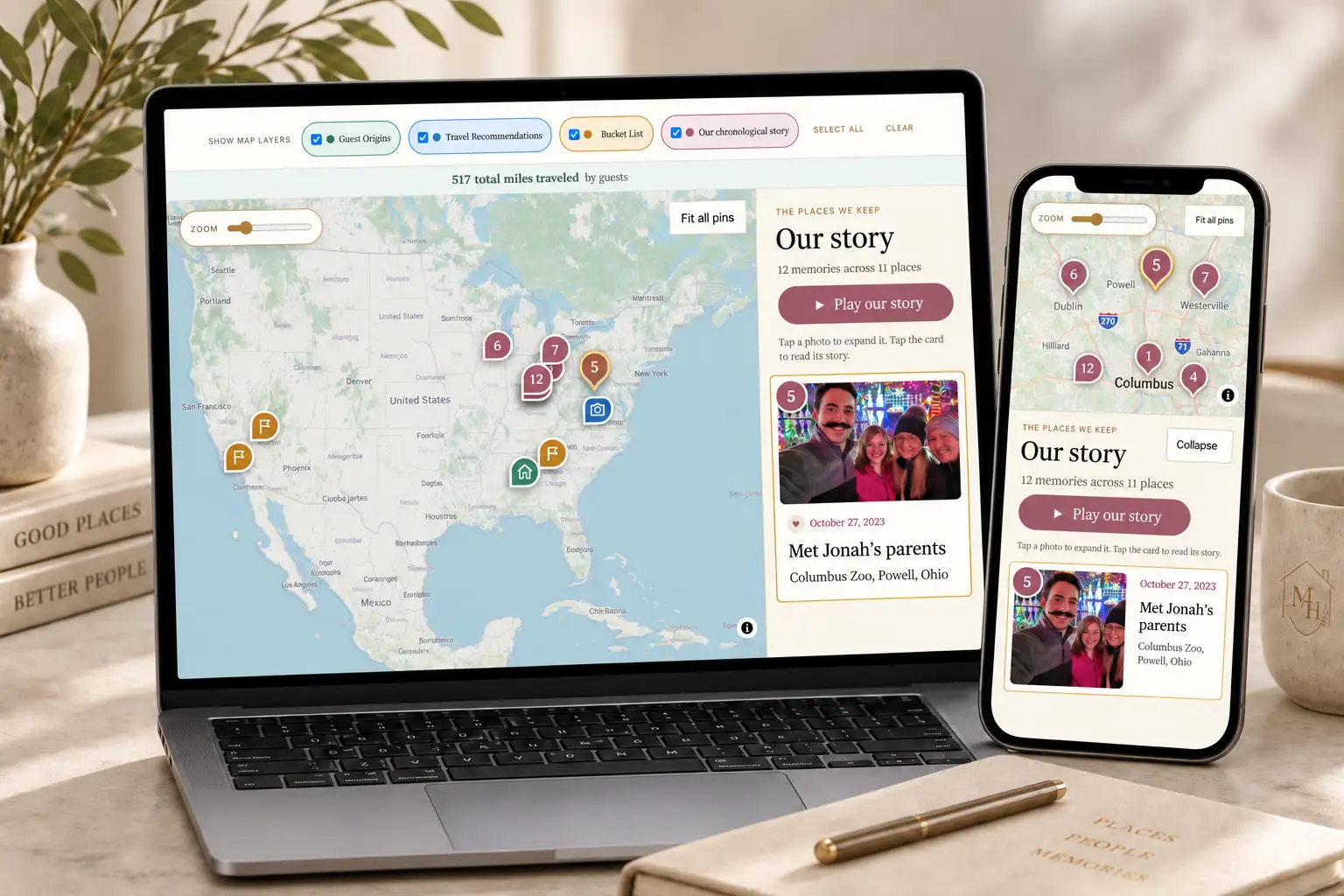
Add one sentence beneath the code: “Scan to share where you traveled from and recommend a place for us to visit.” For Memento Map, guests open the link in their browser without creating an account. The first step is adding a place.
Timeline Plus can also invite a separate dated guest-memory contribution. Explain the optional next step instead of making people assume they need to complete several forms. Test your actual event link and the package you purchased, not only a sample screenshot.
Make the sign readable and reassuring
Use a clear headline, a high-contrast QR code, and sufficient blank space around it. Print a test at the intended size. Scan it with more than one phone, from a comfortable distance, under lighting similar to your venue.
A short written link is helpful for people who cannot scan. Avoid placing a code against a busy background or under reflective glass without testing. A decorative sign should still explain the action at a glance.
Put the code where people naturally stop
Welcome tables, cocktail-hour tables, the bar, and a guestbook or keepsake table offer different moments to participate. Place signs where guests can pause without blocking an entrance, food queue, or service area.
Multiple copies of the same code are usually clearer than several codes with different purposes. If your venue has other QR signs, use distinctive wording so guests know which invitation belongs to your map. Ask the coordinator to check placement once furniture is set.
- Welcome area: introduce the idea as guests arrive.
- Guest tables: make the invitation available when people are seated.
- Cocktail hour or bar: provide a reminder while guests have a moment.
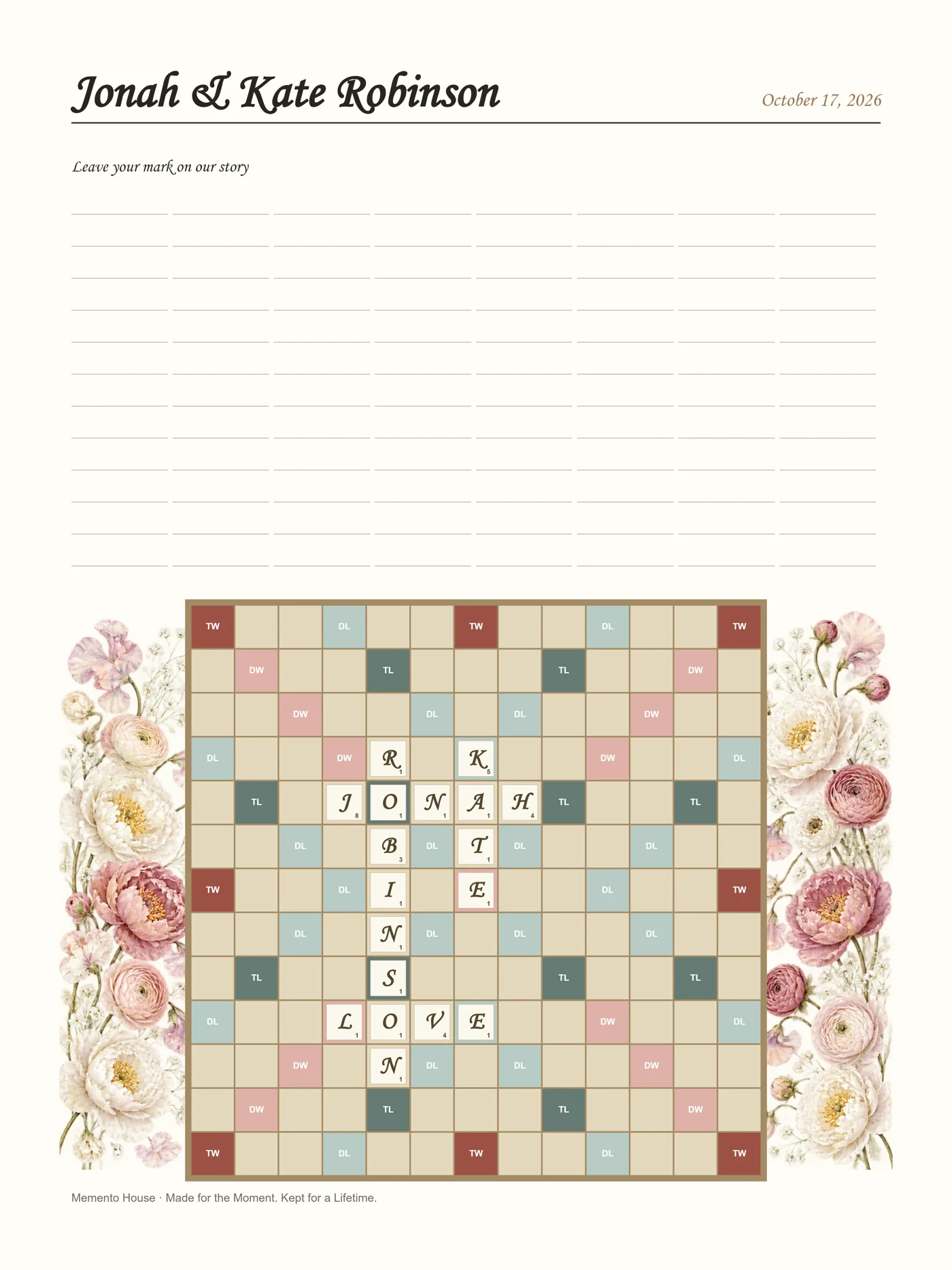
- Keepsake table: connect the scan to the finished result.
Ask the DJ or emcee to introduce it
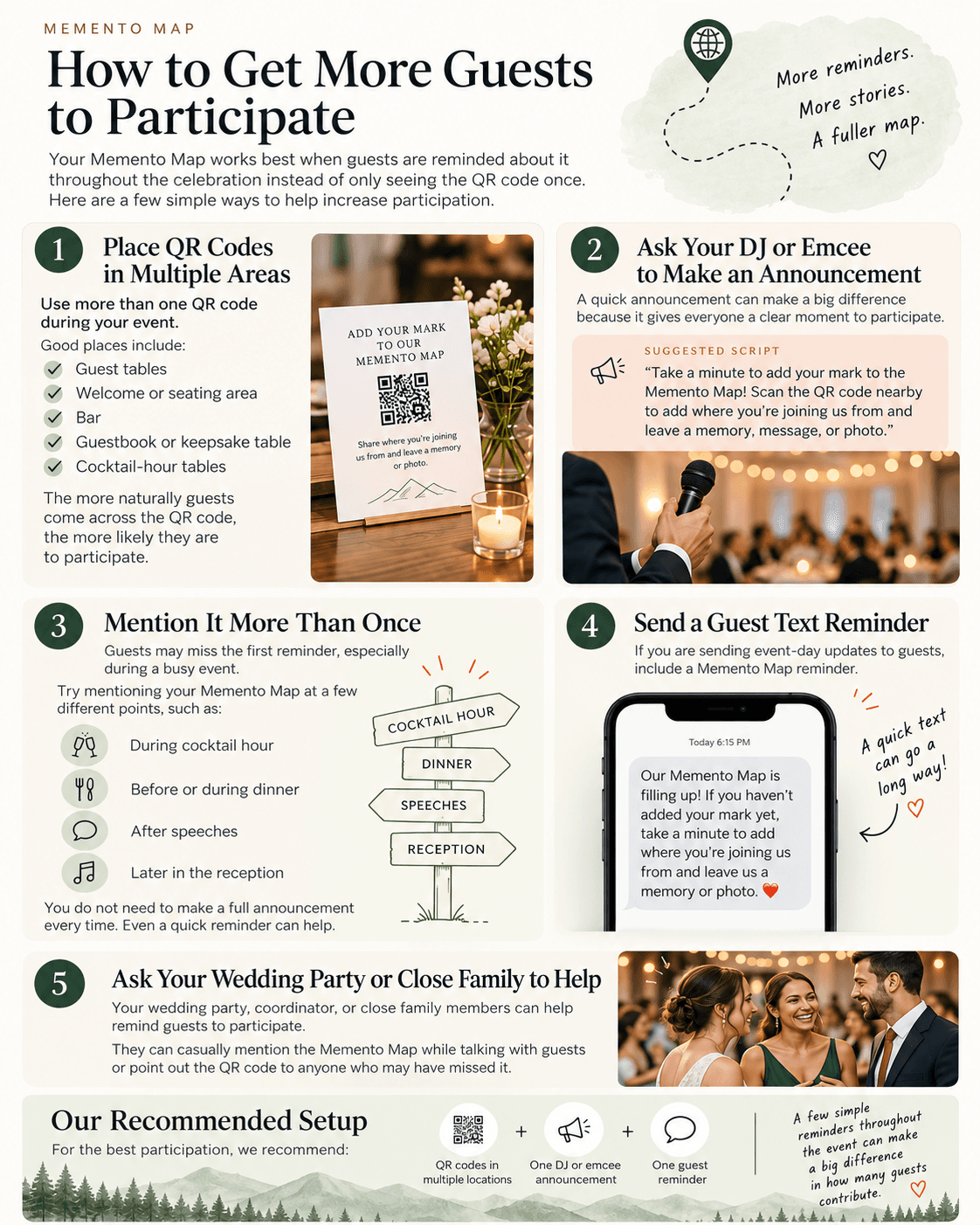
A brief announcement can give everyone the same context at once. Place it at a natural transition, rather than interrupting a speech or ceremony. Share the exact sign wording with the announcer so guests recognize it around the room.
Suggested script: “We would love you to add your mark to our Memento Map. Scan a nearby sign, tell us where you joined us from, and recommend a place for our next adventure.” Adapt the last sentence to your purchased features.
Use more than one touchpoint
Guests can miss the first invitation. Combine signs, one announcement, and one short reminder. A text message you are already sending about event logistics can include the map link; do not ask guests to retrieve a QR code from the same phone they need to scan it with.
Keep the reminder warm and specific: “If you have a moment, leave us a place to visit together.” Give people permission to join later if they are caring for children, dancing, or catching transport. Repetition should feel like an invitation, rather than an obligation.
Let a few familiar faces lead the way
Ask a wedding-party member or close relative to demonstrate a contribution early. They can help someone find the camera scanner, show what a useful recommendation looks like, and answer a simple question.
Arrange their role in advance, and keep it brief. They should not take phones from guests or submit private information on someone else’s behalf. Offer a written note for guests who prefer it and tell them how the couple will receive that contribution.
Show what everyone is building
A visible example makes the request concrete. If you choose to display your map on a screen, use your actual event link and check the connection and display settings. Let contributions be a quiet background feature, not a demand that guests watch a presentation.
For product education before purchase, the sample wedding map shows the format without using a customer’s private experience. It is a demonstration, not a guarantee about how many people will contribute at your wedding.
A simple participation plan
Before the event, test the printed code and choose a helper. During the celebration, place copies in a few useful locations, make one clear announcement, and include one reminder. Afterward, share a final invitation only if you still want contributions and the window remains open.
Check whether the chosen venue areas have reliable internet. Keep your physical alternative nearby and give the couple a simple way to receive those notes. These decisions matter more than making the code larger and hoping everyone notices.
Questions worth asking
How many signs do we need?
Choose locations rather than an arbitrary quantity. Start with the welcome area, seated tables or cocktail-hour space, and the guestbook table. Adjust to the room and guest count.
Can guests participate without scanning?
They can open the same shared link in a browser. Offer a written alternative for people who do not use a smartphone or prefer paper.
 Guest Book Ideas
 Guest Participation
 Travel & Maps